Retail chains · Supervisors · Store managers
Franchise Store Inspection Platform
Standards, photos, review, and corrective action
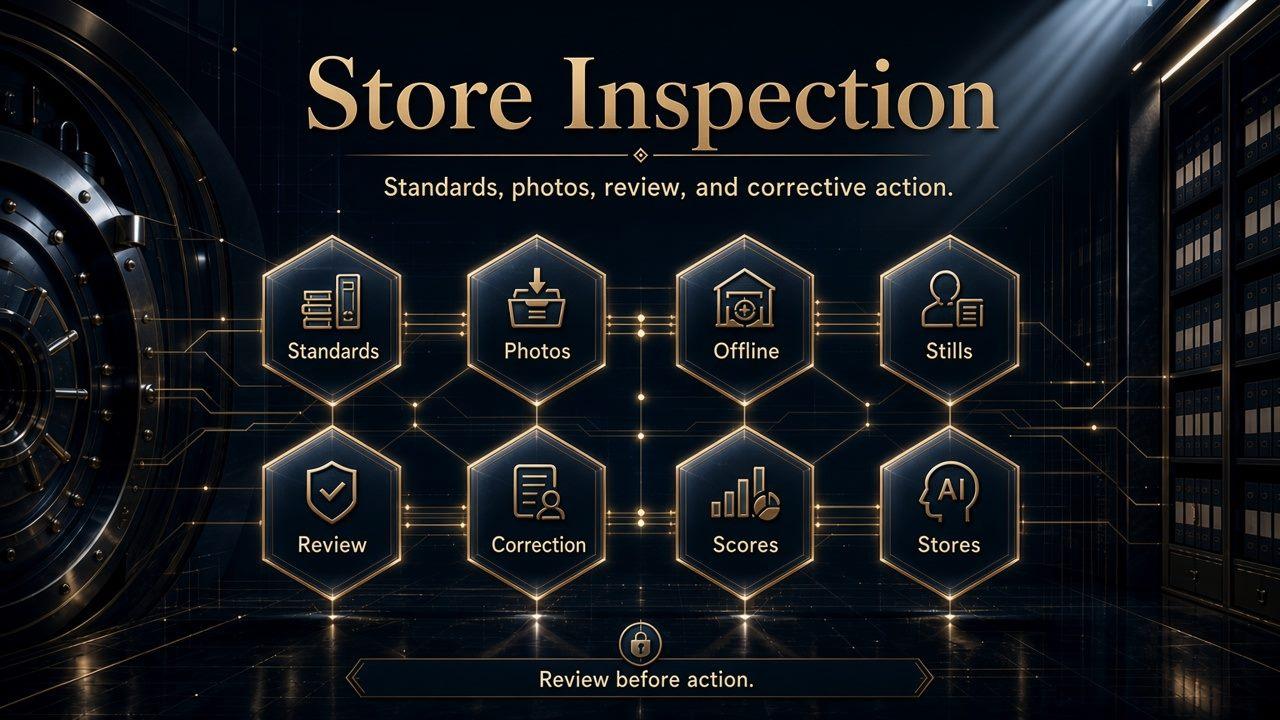
Chains inspect display, cleanliness, uniform, and published operating standards with one template. Stores submit photos or sampled frames from registered cameras. A supervisor reviews them before failed items enter correction, escalation, and recheck.
Product Value
The template stays with the task
A started task keeps the template version it was given.
An unreviewed result is not a penalty
Machine results stay pending until a supervisor reviews them. The system does not issue fines.
Unclear items stay out of the rate
An unclear item is counted aside until a supervisor decides or voids it.
Correction needs a new photo
A recheck cannot be submitted without one. Severe overdue items escalate.
Frames are not a video wall
A camera contributes stills inside the task window. There is no timeline of unrelated video.
A manager sees one store
A regional manager sees rankings for their stores and cannot open another brand’s photos.
Core Modules
Standards, photos, review, and corrective action
Stores and templates
Regions, store types, scores, and example images.
- ▸Store status
- ▸Check items
- ▸Template versions
- ▸Store types
Plans and execution
A schedule creates tasks. A supervisor can also spot-check.
- ▸Daily, weekly, monthly
- ▸Required photos
- ▸Delegated capture
- ▸Overdue
Offline and frames
Photos stay on the phone without a network and upload later.
- ▸Local hold
- ▸Retry
- ▸Camera points
- ▸Time-window frames
Review and correction
A changed judgement needs a reason. Each failed item gets one task.
- ▸Pending review
- ▸Override
- ▸Recheck
- ▸Two-level escalation
Scores and repeats
Only reviewed, non-voided items count.
- ▸Task score
- ▸Regional rank
- ▸Repeated failures
- ▸Export
Training link
A corrective task can carry one learning item.
- ▸Learning item
- ▸Completion
- ▸Required learning
- ▸Notices
Typical Scenarios
Weekly self-check
The plan creates tasks for open stores. The manager photographs each item.
Supervisor override
An unclear item becomes pass, fail, or void.
Overdue correction
No new photo escalates to the region. A severe item escalates again to headquarters.
Repeated issues
The same item failing inside the period opens prior tasks and can attach learning.
Capability Overview
| Domain | Capabilities |
|---|---|
| Organization | Brand, region, store, store type, and members |
| Standards | Check items, scores, example images, and template versions |
| Evidence | Photos, offline upload, and frames from registered cameras |
| Closure | Review, correction, recheck, and escalation |
| Results | Scores, rankings, repeated issues, and training completion |
The platform keeps photos and conclusions against one standard. A failed item closes only after review, a new photo, and a recheck.
Start with your question
Share the project context, current challenge and the help you need. We can then agree a suitable engagement and scope.
The free introductory call establishes fit and scope. Technical analysis, reviews and written recommendations are paid services with an agreed scope and fee.
Or contact me directly