Sales teams · Managers · Sales operations
Sales Conversation Platform
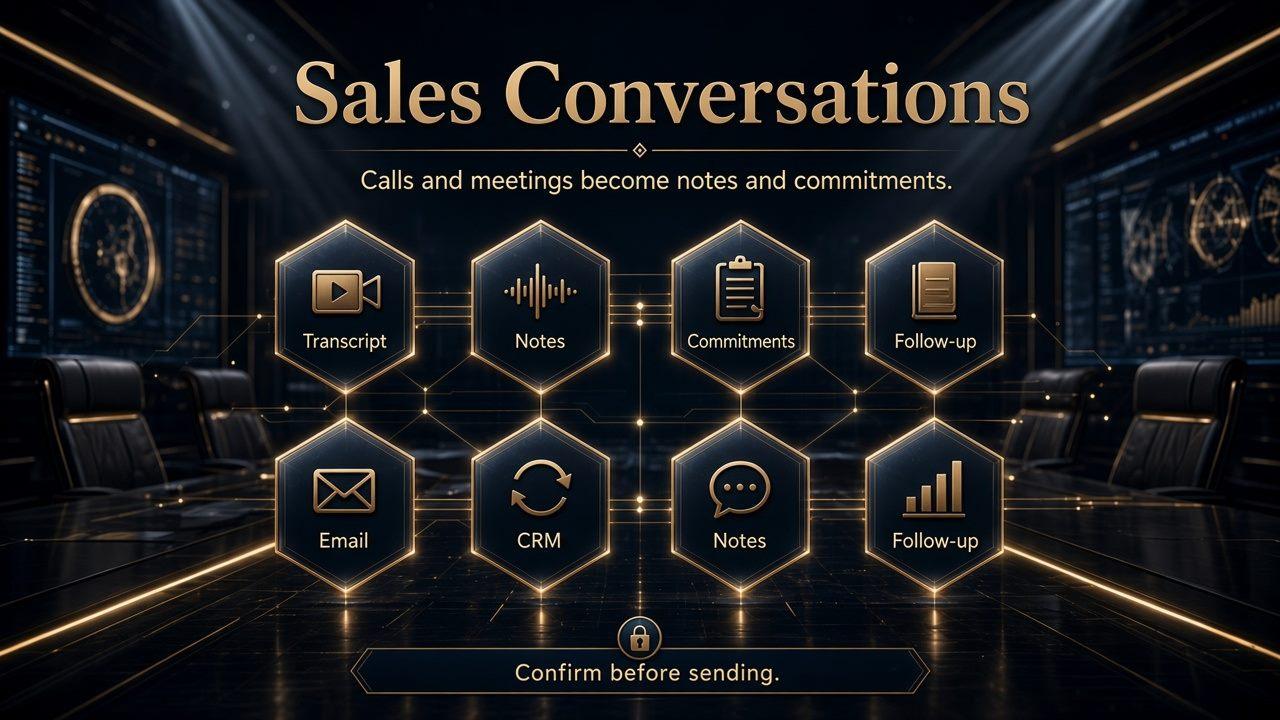
Calls and meetings become notes and commitments
For sales teams. Upload audio or sync Tencent Meeting, DingTalk, and Zoom, then transcribe, confirm notes, track commitments, send follow-up mail, and sync confirmed records to a CRM.
Product Value
No source line, no confirmation
Needs, objections, and promises must open the transcript. Prices that were never said cannot be confirmed.
Downstream waits for confirmation
A draft note does not create tasks, mail, or CRM records.
A seller sees their own talks
A manager sees the team. Cross-team access is granted separately.
Follow-up can be sent
After the mailbox is connected, the seller confirms the send. Otherwise the text can be copied.
Commitments have dates
Overdue tasks reach the manager. A date change needs a reason.
Sensitive numbers are masked
Opening the full number requires permission and is logged.
Core Modules
Calls and meetings become notes and commitments
Sources
Upload audio or text, or sync an authorized recording.
- ▸Upload
- ▸Tencent Meeting / DingTalk / Zoom
- ▸Unclaimed
- ▸Phone-call log
Transcript
Timestamps, corrected words, and speaker names.
- ▸Speakers
- ▸Chinese and English
- ▸Play a line
- ▸Minute quota
Notes and commitments
Confirmed items become tasks.
- ▸Needs and objections
- ▸Source position
- ▸Commitment list
- ▸Overdue alerts
Follow-up mail
Only confirmed content is used. Templates fill known fields.
- ▸Subject and body
- ▸Template fields
- ▸Send
- ▸Sent copy
Talk tracks and coaching
A manager comments at a timestamp. Examples can be shared with the team.
- ▸Scenes
- ▸Timestamp comments
- ▸Examples
- ▸Usage
Accounts and CRM
Light accounts, contacts, and opportunities map to an external CRM.
- ▸Accounts
- ▸Field mapping
- ▸Two-way sync
- ▸Conflicts
Typical Scenarios
After the meeting
The recording reaches the seller, speakers are corrected, and only sourced items are confirmed.
What was promised
A confirmed promise gets an owner and a date, and still opens the original line after completion.
Send the follow-up
The mail is built from the confirmed note. The seller checks recipients before sending or copying.
The manager’s view
Overdue promises, unclaimed recordings, and coaching comments sit in the team view.
Capability Overview
| Domain | Capabilities |
|---|---|
| Sources | Upload, Tencent Meeting, DingTalk, Zoom, and phone-call records |
| Record | Transcript, speakers, note versions, and source positions |
| Follow-up | Commitments, tasks, mail templates, and sent copies |
| Team | Talk tracks, coaching, search, and reports |
| Connections | Salesforce, HubSpot, FXiaoke, and Neocrm |
The platform keeps what was said in a form that can be replayed. Notes and commitments rest on the transcript, and mail or CRM updates use only confirmed content.
Start with your question
Share the project context, current challenge and the help you need. We can then agree a suitable engagement and scope.
The free introductory call establishes fit and scope. Technical analysis, reviews and written recommendations are paid services with an agreed scope and fee.
Or contact me directly