Installation · Repair · Maintenance companies
Field Service Dispatch Platform
Dispatch, completion, parts, and follow-up
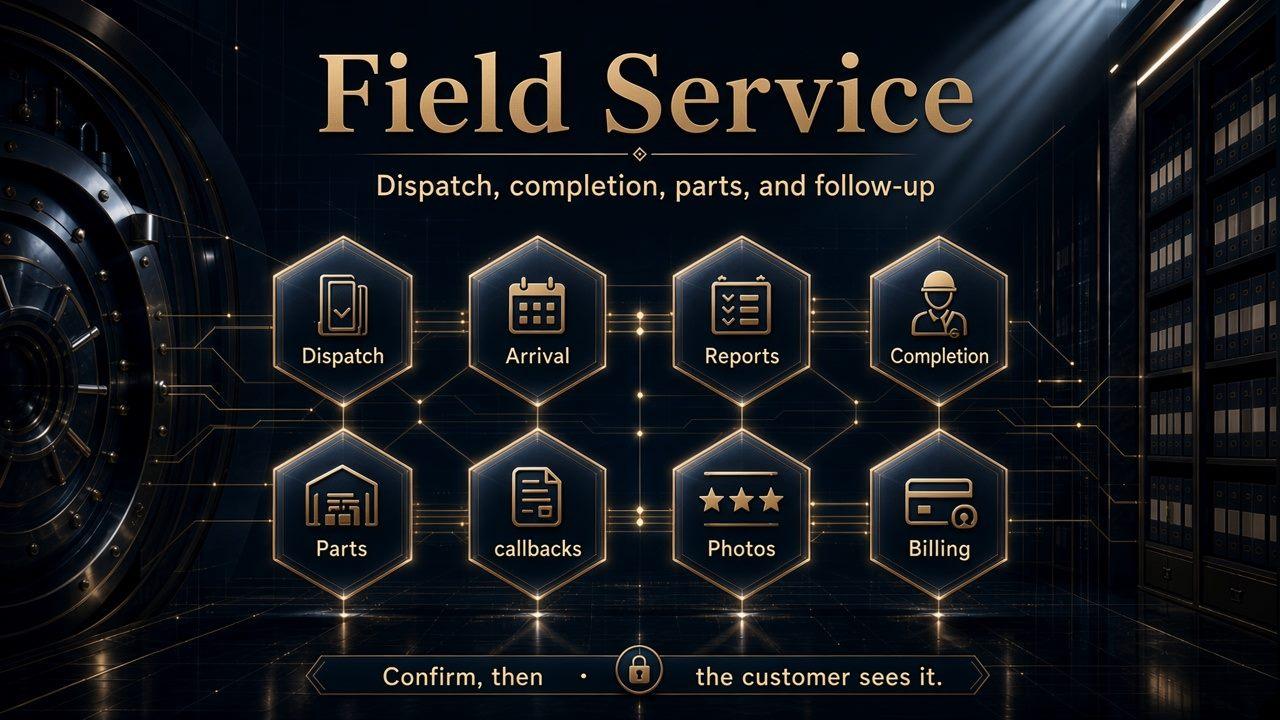
For installation, repair, and maintenance companies. Dispatch by skill and calendar. Technicians submit arrival, photos, and a spoken completion on a phone. The confirmed service report is what the customer sees, and the warehouse deducts parts from that list.
Product Value
One lead technician
Helpers can join, but only one person leads the order at a time.
Customers see a confirmed report
The spoken draft and the parts list become the report after the technician confirms them.
Parts follow the list
Speech does not change stock. Stock moves when the report is confirmed.
No all-day track
Departure and arrival times are recorded. One optional location check can be taken on arrival.
Maintenance orders follow the contract
The same asset and period are not duplicated. Ending the contract stops new orders.
No card charge or tax invoice
Fees, payments, and invoice numbers are recorded. The system does not charge a bank or issue a tax invoice.
Core Modules
Dispatch, completion, parts, and follow-up
Customers and assets
One customer can have many addresses. An asset shows its past orders.
- ▸Contacts
- ▸Serial number
- ▸Warranty end
- ▸Import
Maintenance and orders
A plan or a portal request becomes an undispatched order.
- ▸Maintenance contract
- ▸SLA
- ▸Priority
- ▸Previous order
Dispatch
Calendar assignment, reassignment, and a suggested stop order.
- ▸Skill filter
- ▸Reassignment reason
- ▸Day order
- ▸Late arrival
Technician work
The phone records departure, arrival, photos, parts, and speech.
- ▸Today’s orders
- ▸One location check
- ▸Part quantities
- ▸Return visit
Stock and reports
Confirmation deducts stock. The portal shows confirmed reports only.
- ▸Branch stock
- ▸Van stock
- ▸Count
- ▸Report PDF
Callback and fees
A rating or callback can open another order. Finance records the payment.
- ▸Customer rating
- ▸Callback result
- ▸Price list
- ▸Payment and invoice
Typical Scenarios
A phone request
Dispatch creates the order, assigns by skill, and the technician sees the address and phone.
Finish the visit
Record arrival, enter parts, describe the work by voice, and let the customer open the report after confirmation.
Scheduled maintenance
The contract creates the order ahead of the period, reminds renewal, and stops creating orders when ended.
An unhappy callback
The agent marks another visit, and dispatch sees a prompt to create the next order.
Capability Overview
| Domain | Capabilities |
|---|---|
| Master data | Branches, skills, customers, addresses, and assets |
| Planning | Maintenance contracts, SLAs, order sources, and appointments |
| Execution | Dispatch, reassignment, mobile completion, and an optional arrival check |
| Parts | Warehouse, transfer, consumption, return, and count |
| After the visit | Reports, ratings, callbacks, fees, and payments |
The platform keeps one visit from dispatch through the callback. Customers see the report after the technician confirms it, and part quantities follow that confirmed list.
Start with your question
Share the project context, current challenge and the help you need. We can then agree a suitable engagement and scope.
The free introductory call establishes fit and scope. Technical analysis, reviews and written recommendations are paid services with an agreed scope and fee.
Or contact me directly