Growing companies · Business owners · Finance viewers
Contract Operations Platform
Draft, review, approve, sign, and perform
A contract file for growing companies. Clause templates, risk notes, version comparison, approval, e-sign, and obligation reminders stay on one record. Review output is for business use and is not legal advice.
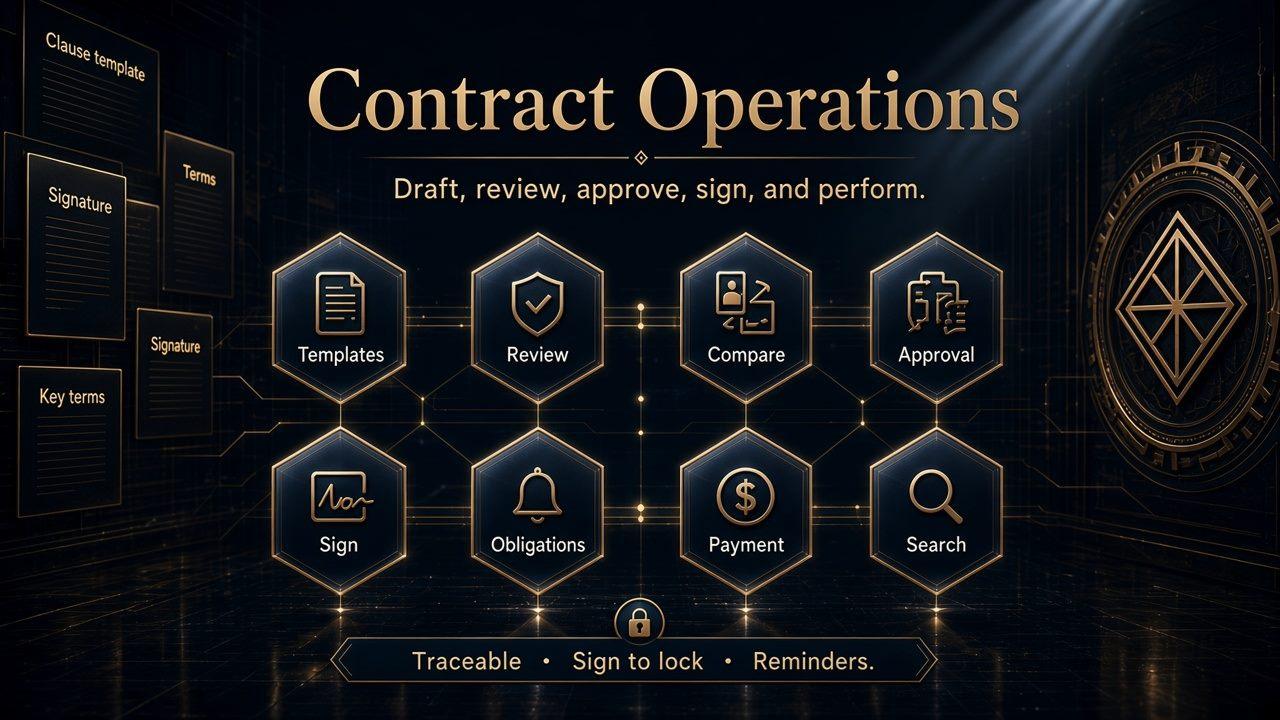
Product Value
No text does not mean no risk
If extraction fails, the file remains and the state is “cannot review”.
A note needs a location
Each risk points at the source text. A note without a location is not saved.
A new version starts clean
A new upload does not inherit old approvals or dispositions.
The signed file locks
A signed version is not edited in place. A change is an amendment.
Dates remind after confirmation
Candidate dates keep their source. Reminders start after a person confirms them.
The system does not pay
Payment status can be marked by hand or written back from finance by contract number.
Core Modules
Draft, review, approve, sign, and perform
Files and parties
Type, confidentiality, amount, and the counterparty form the register.
- ▸Contract number
- ▸Main agreement and amendments
- ▸Confidentiality
- ▸Parties
Clauses and drafting
A template is active clauses plus fields.
- ▸Clause library
- ▸Template versions
- ▸Draft
- ▸Word export
Review and compare
Fixed categories and a diff between two versions.
- ▸Risk categories
- ▸Accept / ignore / changed
- ▸Comments
- ▸Diff export
Approval
Type, amount, and confidentiality select the route.
- ▸All-must and any-one
- ▸Return and reject
- ▸Lock during approval
- ▸Missing approver
E-sign
Connect a qualified signing service. The product does not issue certificates.
- ▸Order
- ▸Status callback
- ▸Signed file
- ▸Decline and expiry
Performance and archive
Obligations, reminders, payment write-back, and full-text search.
- ▸Payment and expiry
- ▸Renewal
- ▸Finance write-back
- ▸Archive search
Typical Scenarios
A contract arrives
Upload it, extract the text, read the notes, dispose of each one, then send it for approval.
Draft your own
Pick a template, fill the party and amount, swap clauses, then export or submit.
After signature
Store the signed file, confirm payment and expiry dates, and email before they arrive.
Find an old contract
Search by party, number, or text. Someone without the confidentiality level cannot open the body.
Capability Overview
| Domain | Capabilities |
|---|---|
| Register | Types, parties, confidentiality, amounts, main agreements, and amendments |
| Text | Upload, extraction, template drafting, comparison, and comments |
| Flow | Risk disposition, configurable approval, and e-sign |
| Performance | Obligations, reminders, renewal, and payment write-back |
| Search | Full text, expiry lists, overdue obligations, and export audit |
The platform follows a contract from draft or receipt through expiry. Review helps business readers see clauses, and the page states that the output is not legal advice.
Start with your question
Share the project context, current challenge and the help you need. We can then agree a suitable engagement and scope.
The free introductory call establishes fit and scope. Technical analysis, reviews and written recommendations are paid services with an agreed scope and fee.
Or contact me directly